Trovador Soundscape
A downloadable tool for Windows and Linux
A self-hosted soundboard for tabletop RPGs. Built for DMs who want total control over their audio.
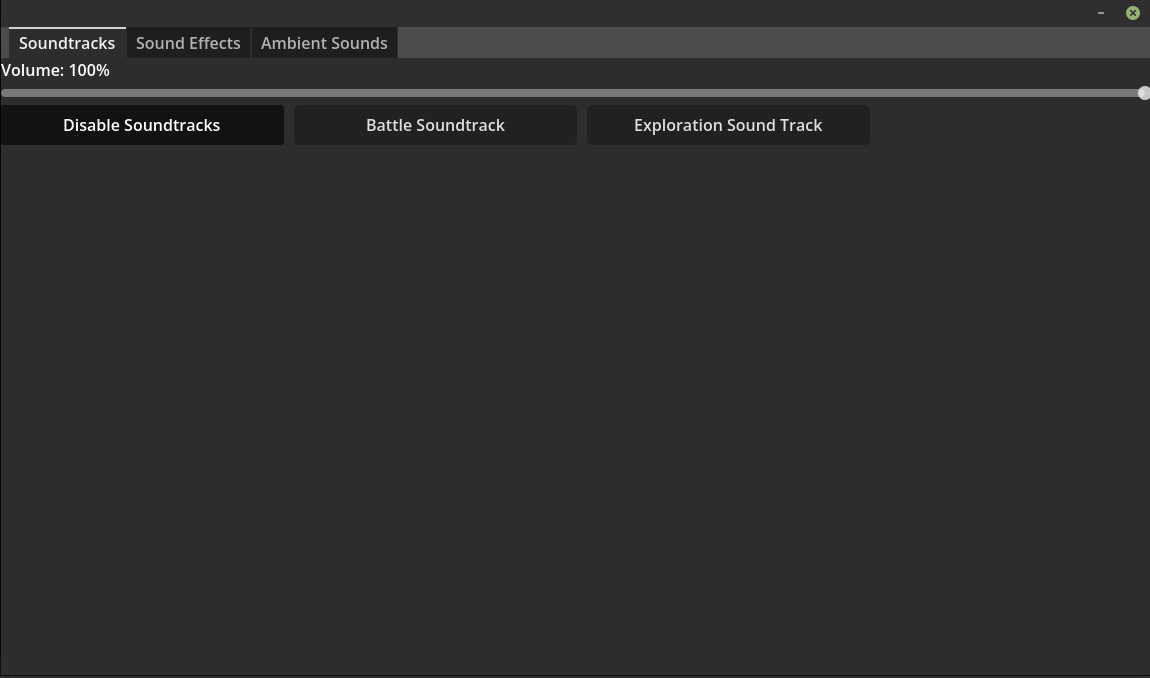
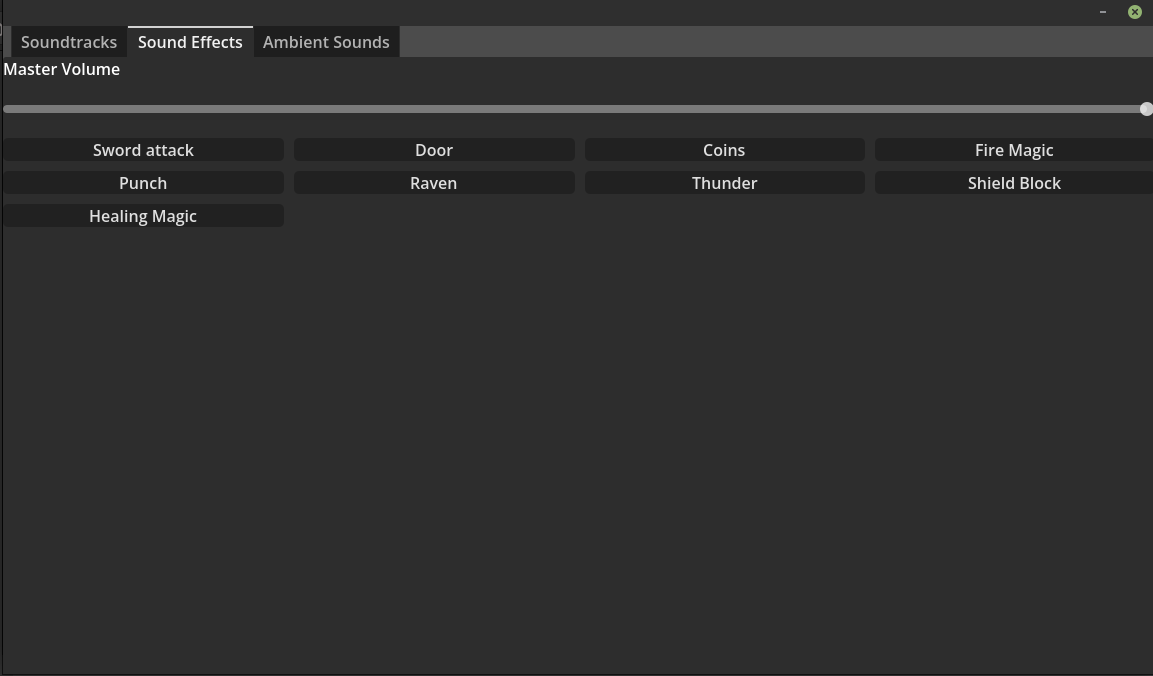
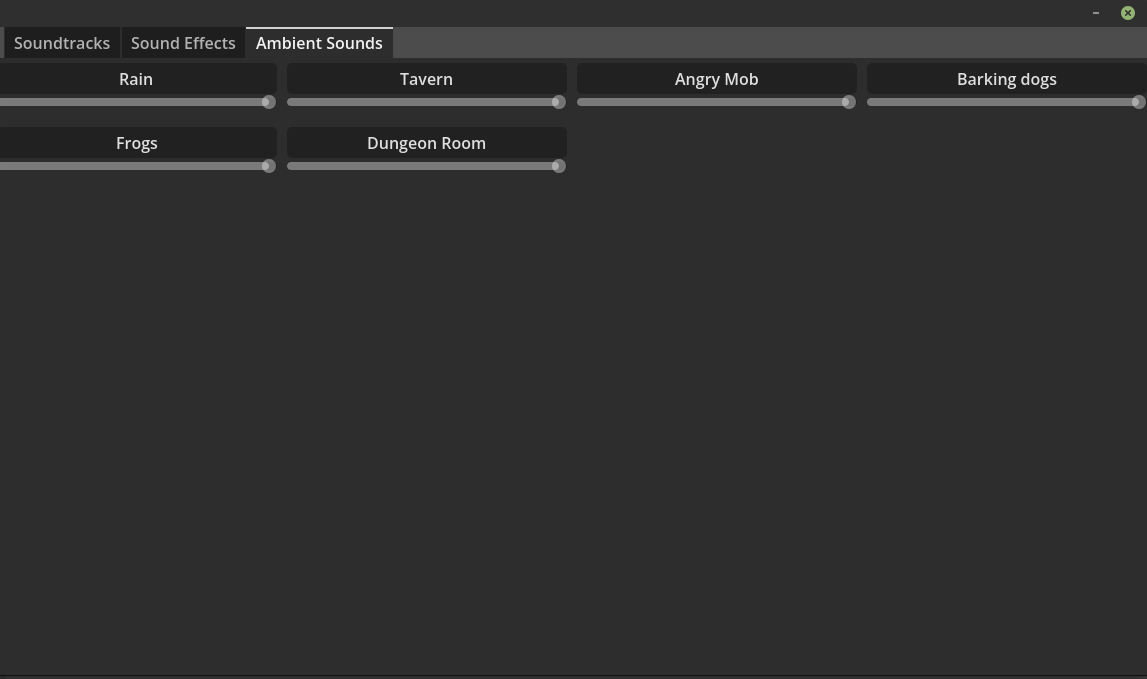
Stream soundtracks, sound effects, and ambience to your players from your own server, using your own media. No subscription. No content packs. No one else's server but yours.
This is for you if:
- You're a dungeon master who wants full control over what plays, when, and how.
- You're tired of paying for yet another subscription just to run audio in your sessions.
- You're tired of mood-based "rooms" where the sound you need is in the wrong one.
- You already own (or have the rights to) the music and sounds you want to stream.
- You're willing to configure your own buttons and layout — this is a power tool, not a preset experience.
- You're comfortable with basic networking, and with running a small server (locally, or on a VPS).
This is NOT for you if:
- You want to open an app, click "create room," and start playing. You'll hate this.
- You're happy with your current subscription soundboard and don't want to manage your own setup.
- You don't want to configure servers, open ports, or set up your own playback buttons.
- You expect built-in music or sound packs. There are none — you supply the media.
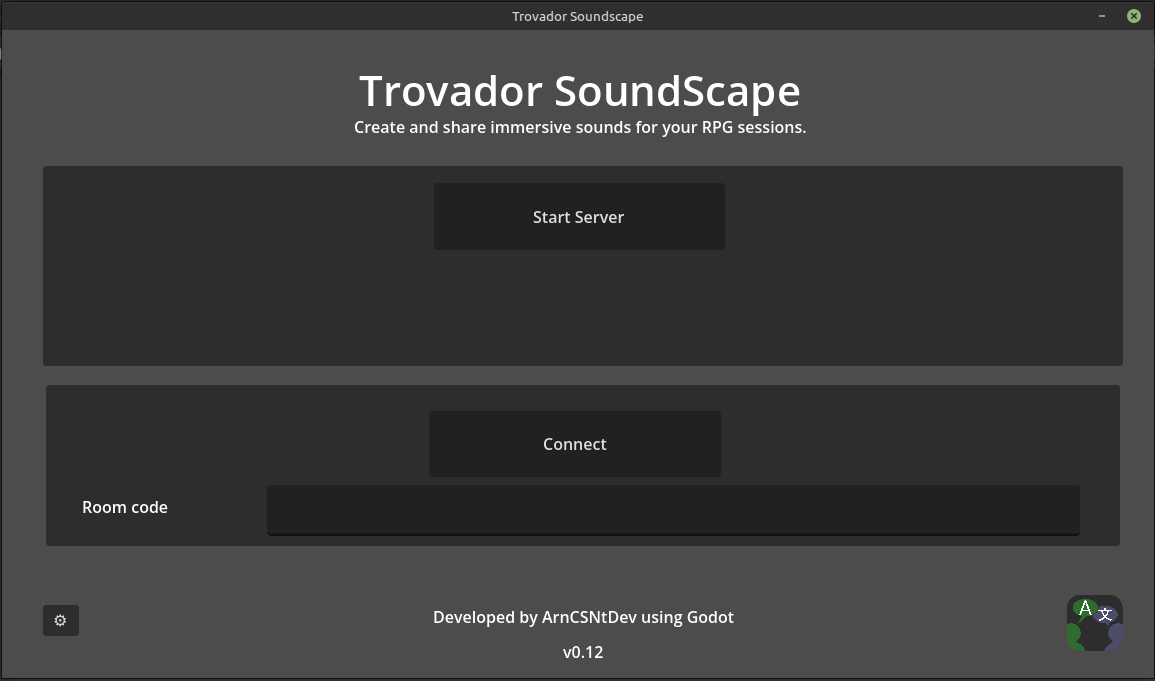
- You want a polished, flashy interface. The UI is functional, not pretty.
- You're not comfortable following networking setup instructions.
If any of the above sounds like a dealbreaker, please don't buy this. It's a niche tool for a specific kind of DM, and I'd rather you walk away than regret the purchase.
What you get:
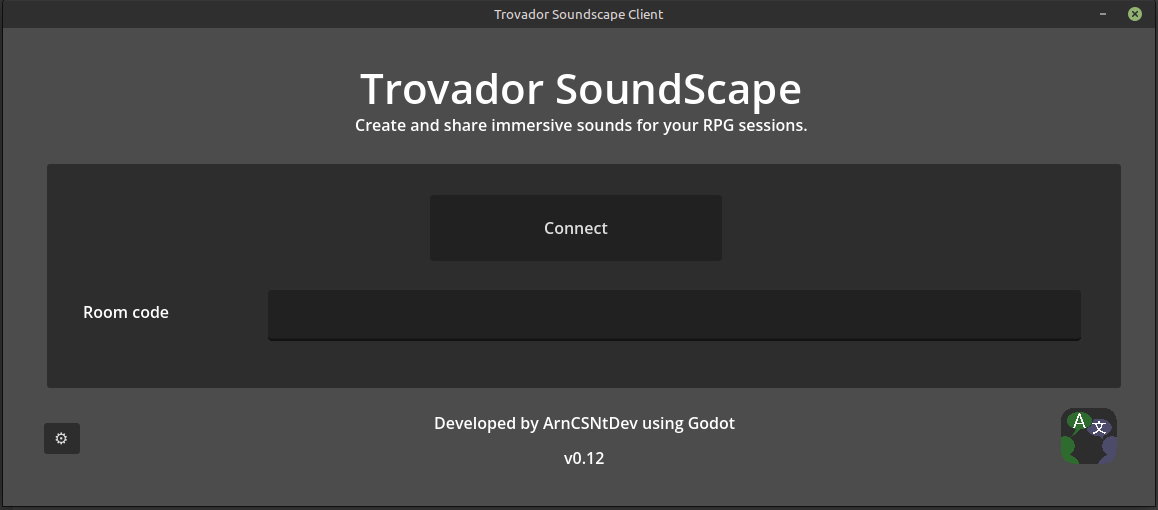
- Client app (Windows & Linux) — free
- Audio server + signaling server — the paid product
- A free Fantasy Grounds extension — automate playback from inside FG (get it from forge @ https://forge.fantasygrounds.com/shop/items/3644/view)
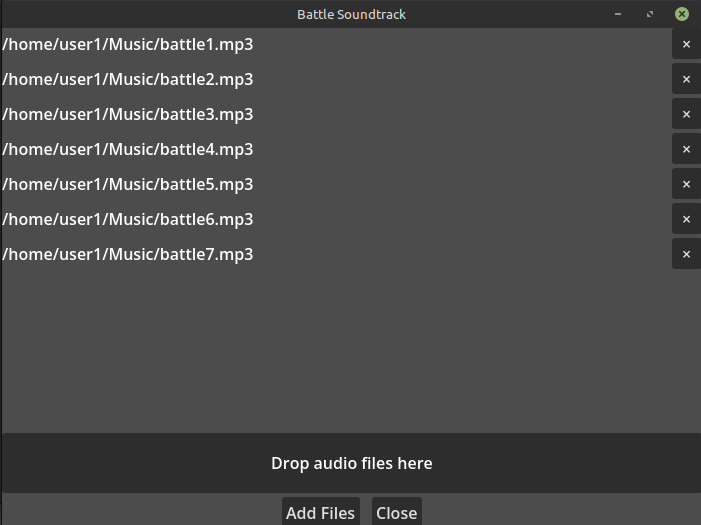
- A command-line tool to issue playback commands ("play soundtrack 'battle 1'", "play SFX 'shield block'")
- Setup videos and diagrams for the audio server, rooms server, and required ports
What this is not:
- Not a turnkey service. You run the servers.
- Not a content library. You bring your own media (and confirm you have the rights to stream it).
- Not a networking tutorial. Setup guides assume you can follow along and handle your own configuration.
Two ways to run it:
- Local setup — if your ISP allows direct connections, run both servers on your own machine. No VPS needed.
- VPS setup — if your players can't connect directly to you, run the rooms server on a VPS. The audio server can still run at home.
Caveat emptor — but if you've read this far and it sounds like your kind of tool, welcome. You're exactly who I built this for.
Purchase
In order to download this tool you must purchase it at or above the minimum price of $10 USD. You will get access to the following files:
Download demo
Leave a comment
Log in with itch.io to leave a comment.